Every tech tutorial you’ve ever followed has the same problem: it’s written for somebody who isn’t you.
The Qdrant Essentials course is a solid 7-day curriculum. Covers data modeling, hybrid search, multivector reranking, quantization, distributed deployment — the works. But it assumes you’re on Qdrant Cloud, using their default embedding models, and happy to follow along in their prescribed environment. If you’re running everything local, using Ollama for embeddings, and want Pydantic AI wired in from day one, you’re going to spend half your time translating instead of learning.
This is the core frustration. Tutorials are too general. Too slow. One size fits all. They might use a tech stack you don’t want to touch, or skip the parts you actually care about, or spend three pages on setup you already have.
Here’s how I fix that.
Step 1: Clip the Tutorial into Obsidian
The Obsidian Web Clipper browser extension lets you grab any web page and save it directly into your vault as clean markdown. No copy-pasting. No losing formatting. No screenshots of code blocks.
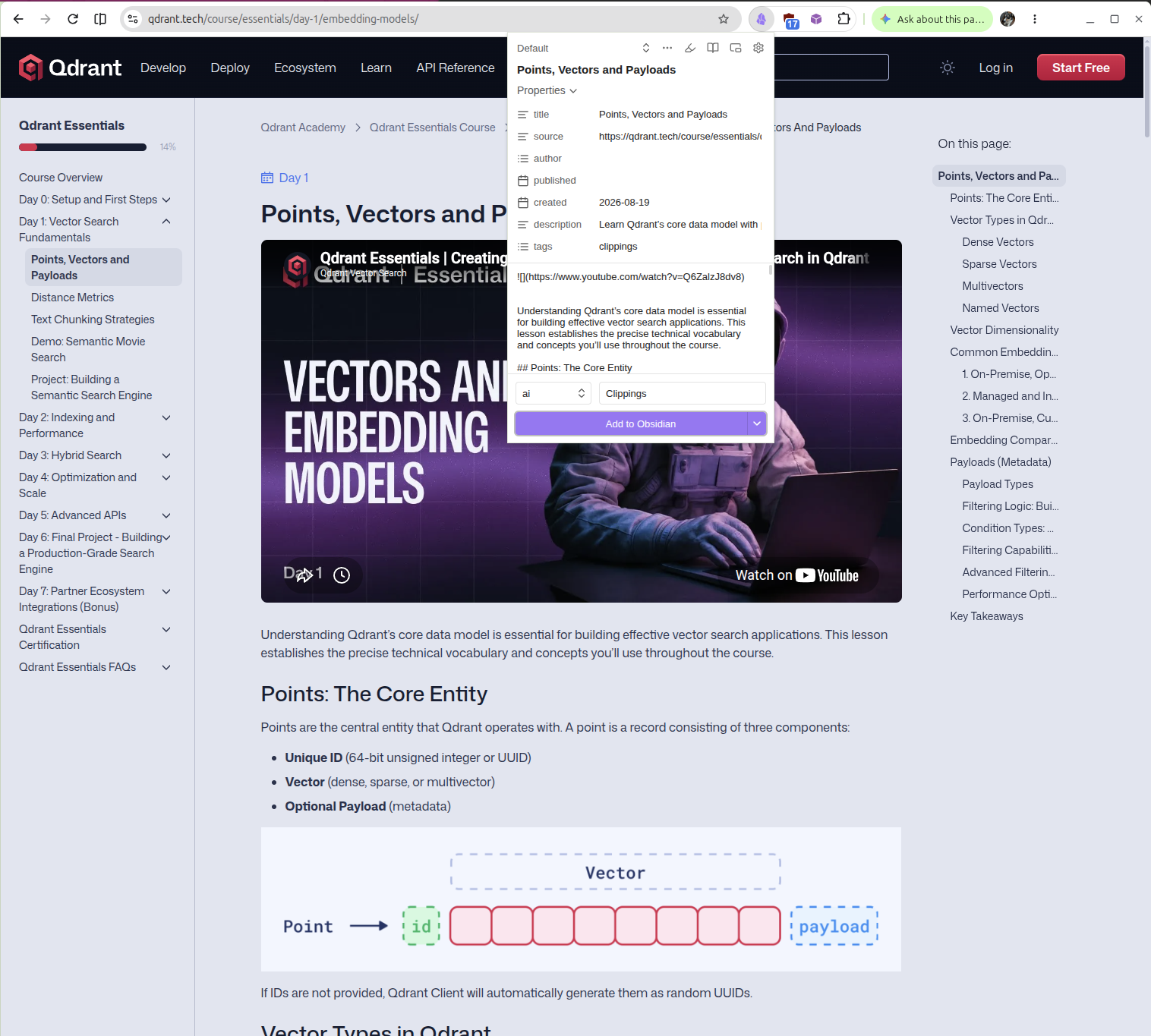
I clip the entire tutorial — every day, every module, every project description. It lands in my vault as a single note I can search, link, and annotate. This is important because the next step requires the full source material in a format an LLM can actually consume.
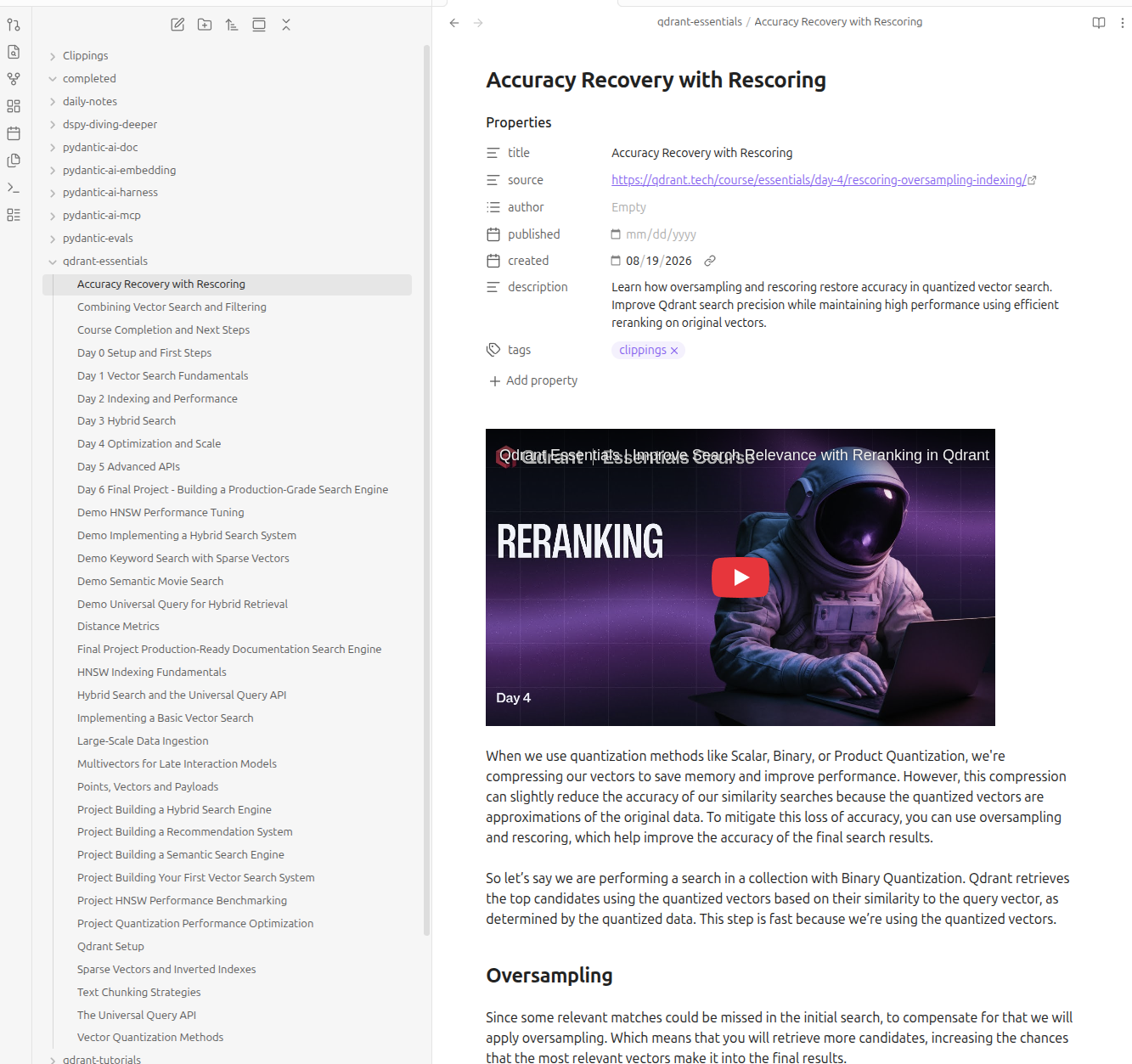
Why Obsidian and not just bookmarks? Because bookmarks rot. Pages change, get restructured, disappear. A markdown file in your vault is yours forever. You can tag it, backlink to your own notes, and — critically — feed it to an AI as context.
Step 2: Tell Google Antigravity Exactly What You Want
This is where the generic tutorial becomes your tutorial.
Google’s Antigravity (Gemini) lets you paste in the full tutorial content and give it a detailed prompt about your environment, skill level, and what you actually want to build. Here’s what I told it for the Qdrant course:
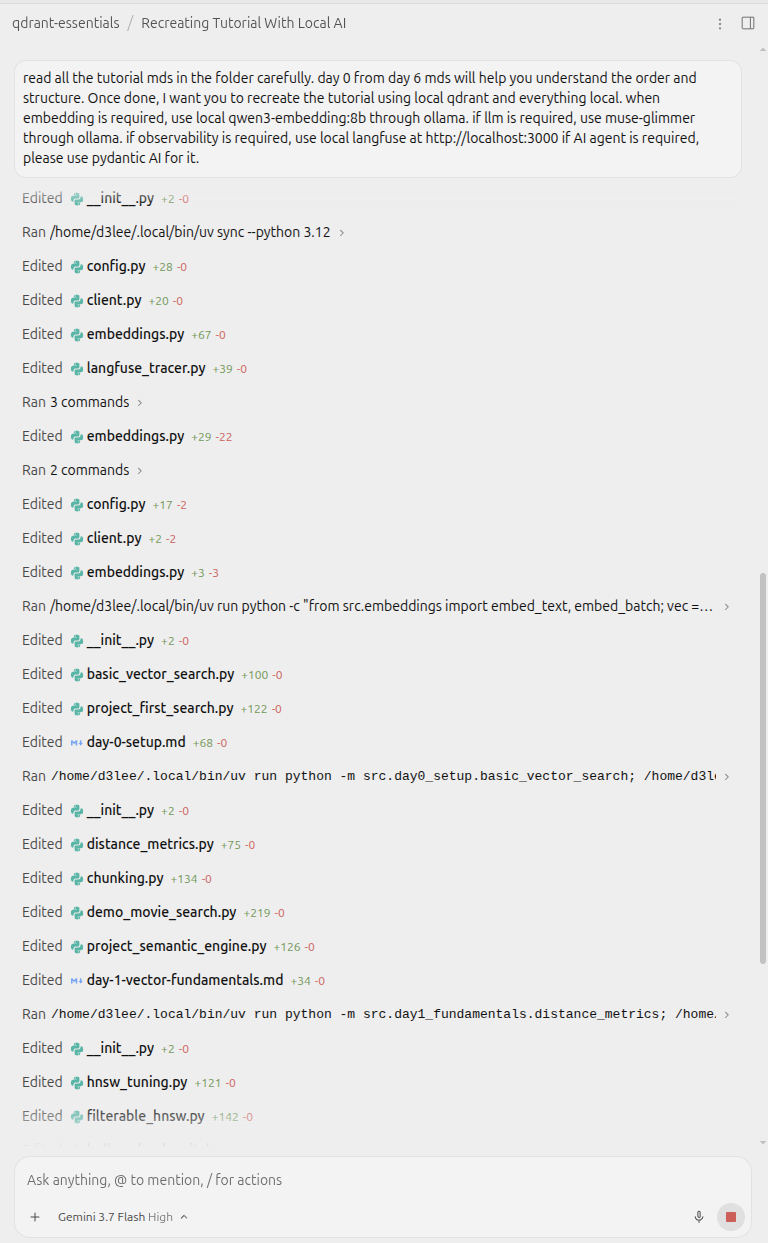
The key ingredients of a good customization prompt:
Your stack. Don’t just say “I use Python.” Say which Python. Ollama with qwen3-embedding:8b for 4096-dim dense vectors. Local Qdrant at localhost:6333. Langfuse for observability. Pydantic AI for the agent layer. The more specific, the less hallucinated boilerplate you get back.
Your experience level. I told it I’m not a beginner — skip the “what is a vector” explanations. Go straight to the architecture decisions and the implementation details I’ll actually struggle with.
What to keep and what to cut. The original course spends Day 4 on Qdrant Cloud deployment. I don’t want cloud. I want local-first with quantization tuned for my hardware. Say that explicitly.
Your goal project. Don’t follow the course’s final project if it doesn’t match what you’re building. I wanted a production-grade local search engine with hybrid retrieval, not a docs search demo.
Step 3: Let It Build Your Custom Course
Antigravity took the full Qdrant Essentials curriculum and rewired it. Same pedagogical structure — Day 0 through Day 6 — but every code example uses my local stack. Every explanation assumes my experience level. Every project builds toward what I actually want to ship.
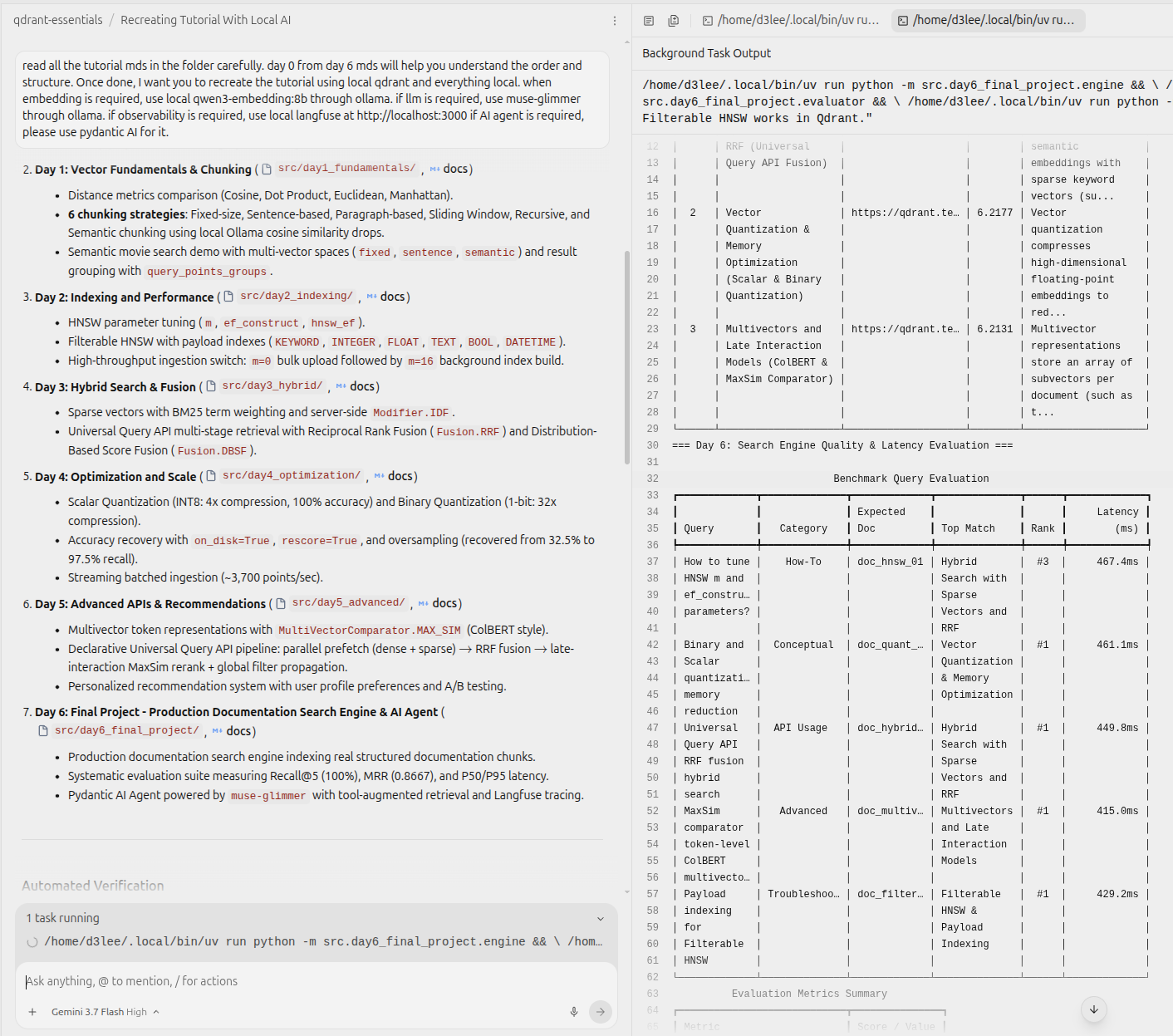
The result is a course that feels like it was written for me, because it was.
Why This Works Better Than “Just Ask ChatGPT”
You could paste a URL into any chatbot and say “customize this.” But there’s a reason the clip-then-feed workflow is better:
Full context. The Obsidian clip gives the LLM the complete tutorial, not a truncated web scrape or a summary that lost the nuance. Every code snippet, every diagram description, every footnote.
Your vault is your source of truth. I can link the customized tutorial back to my original notes, my project repos, my environment configs. Everything stays connected.
Reproducibility. Six months from now, if I want to revisit a module, the clipped source and the customized version are both in my vault. No dead links, no “this page has been updated” surprises.
The Proof: My Qdrant Repo
I didn’t just study the customized tutorial. I built from it. My repo qdrant-essentials is the full course rebuilt on a 100% local stack:
- Vector DB: Local Qdrant at
localhost:6333 - Embeddings:
qwen3-embedding:8b(4096-dim) via Ollama - LLM:
muse-glimmervia Ollama - Observability: Local Langfuse
- Agent layer: Pydantic AI for search-augmented agents
Every day of the course — from Day 0 setup through Day 6’s production search engine — is implemented and tested against this stack. No cloud dependencies. No API keys. Everything runs on my hardware.
The original course lives at qdrant.tech/course/essentials and it’s genuinely good. I’m not knocking it. But the gap between “follow this tutorial” and “this tutorial works for me” is where most people stall out. The clip-and-customize workflow closes that gap.
The Bottom Line
Stop suffering through tutorials that weren’t written for you. Clip the full source into Obsidian so you own it. Feed it to Antigravity (or any capable LLM) with a precise description of your stack, your skill level, and your actual goal. Get back a tutorial that fits like it was custom-made — because it was.
The generic tutorial era is over. You just have to do the five minutes of setup work to make it personal.